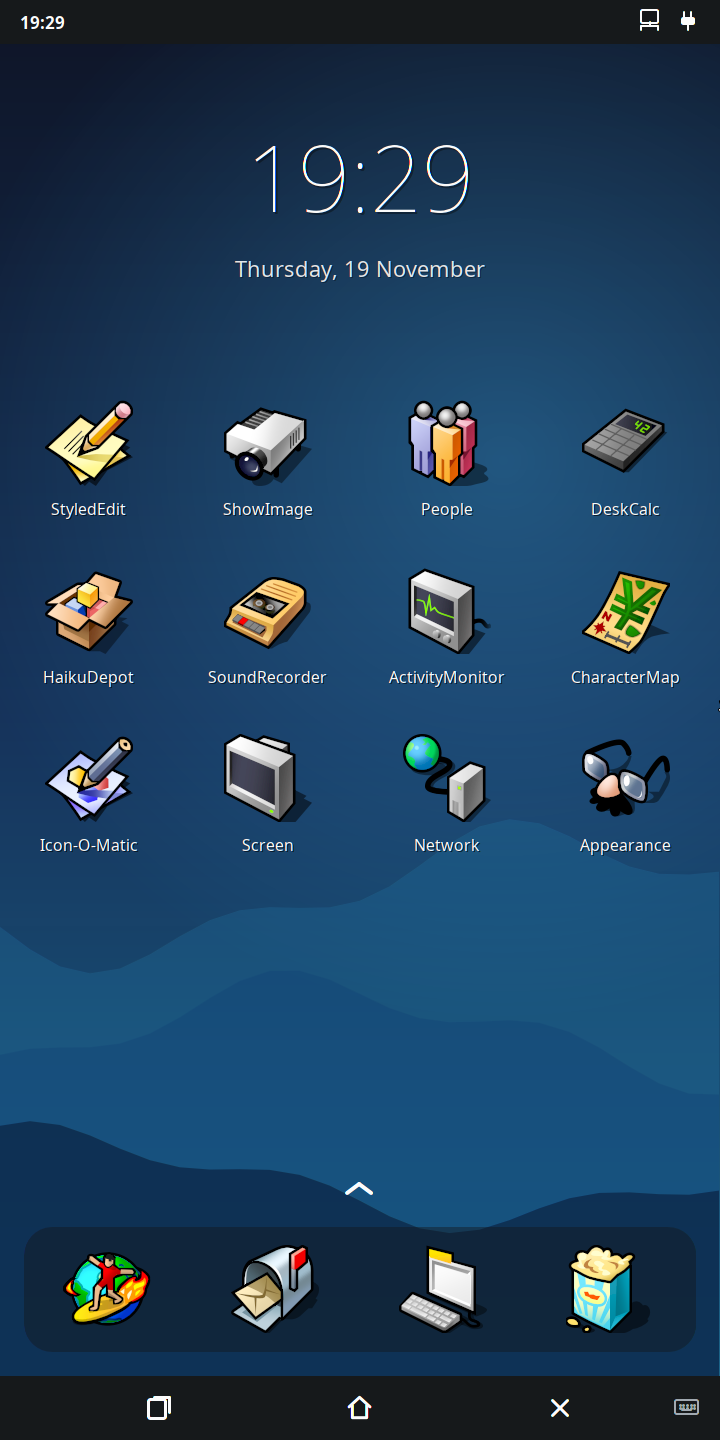
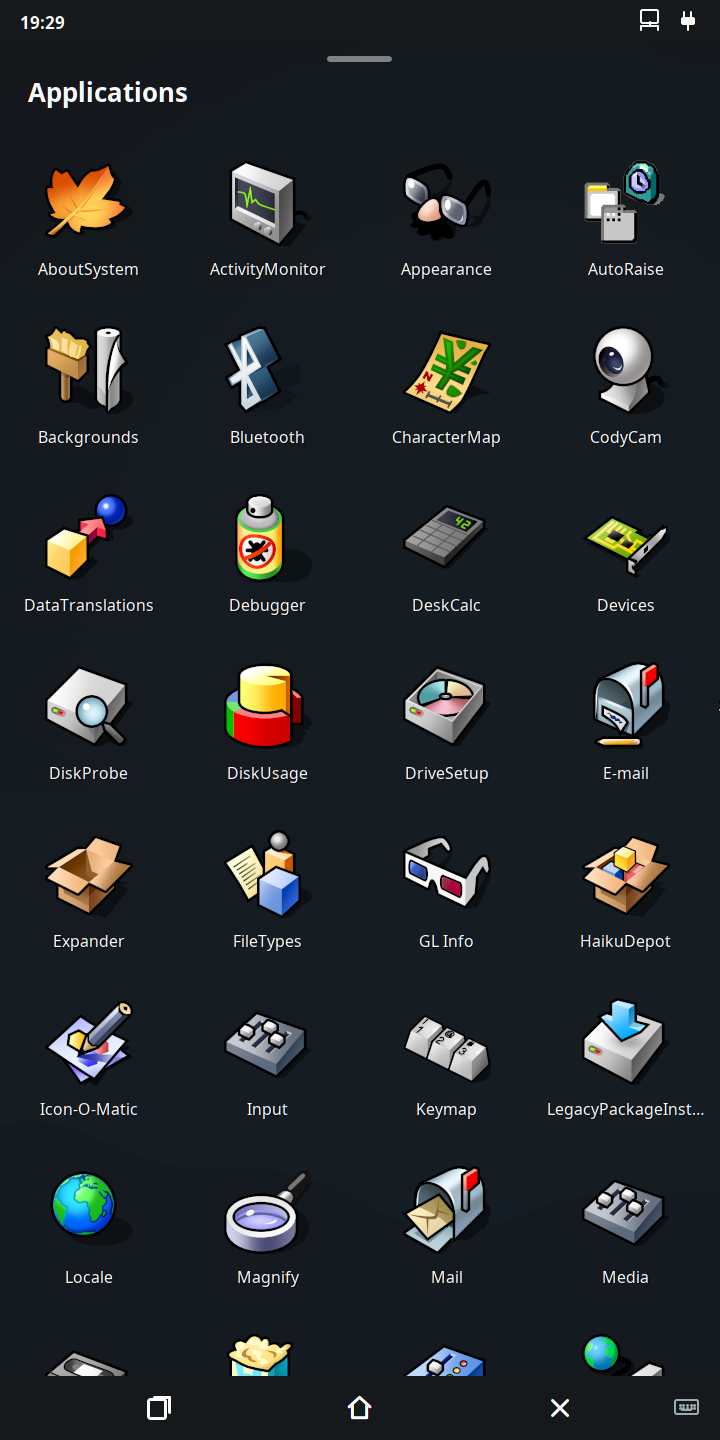
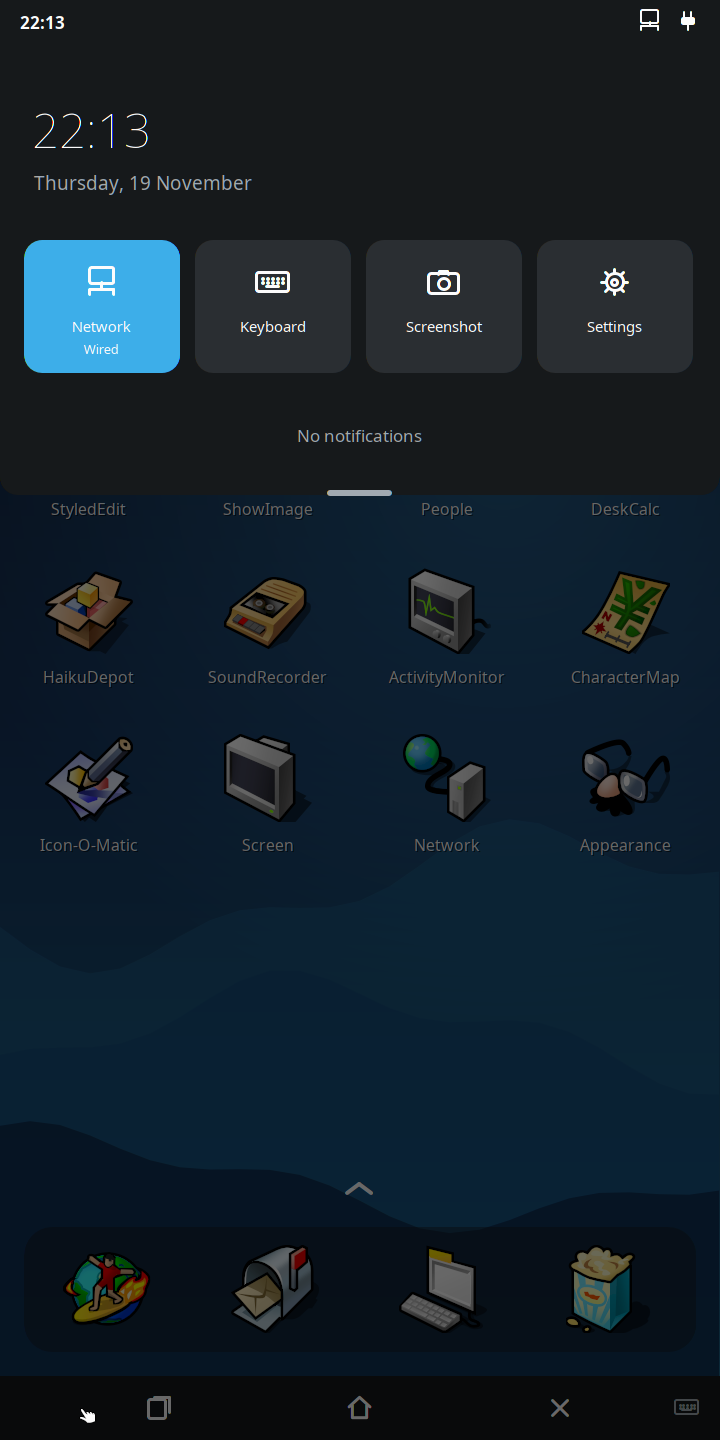
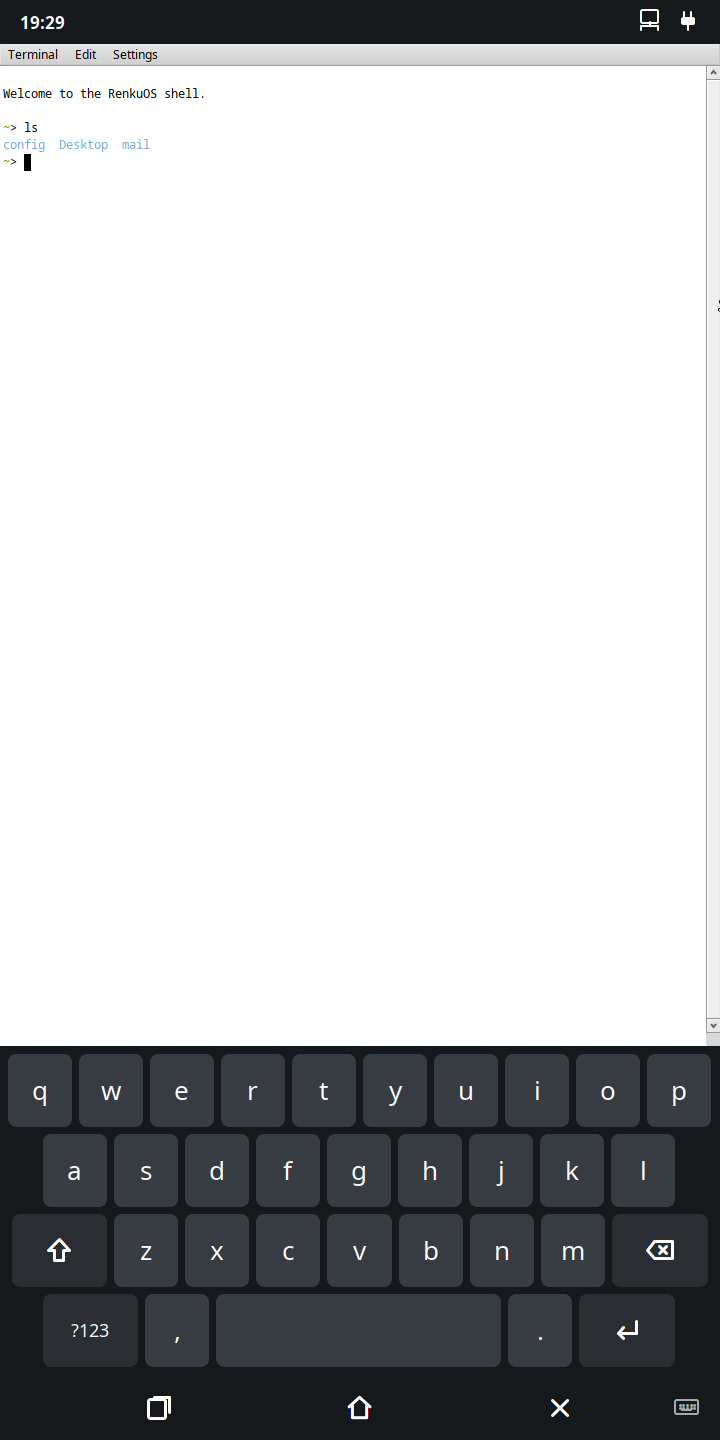
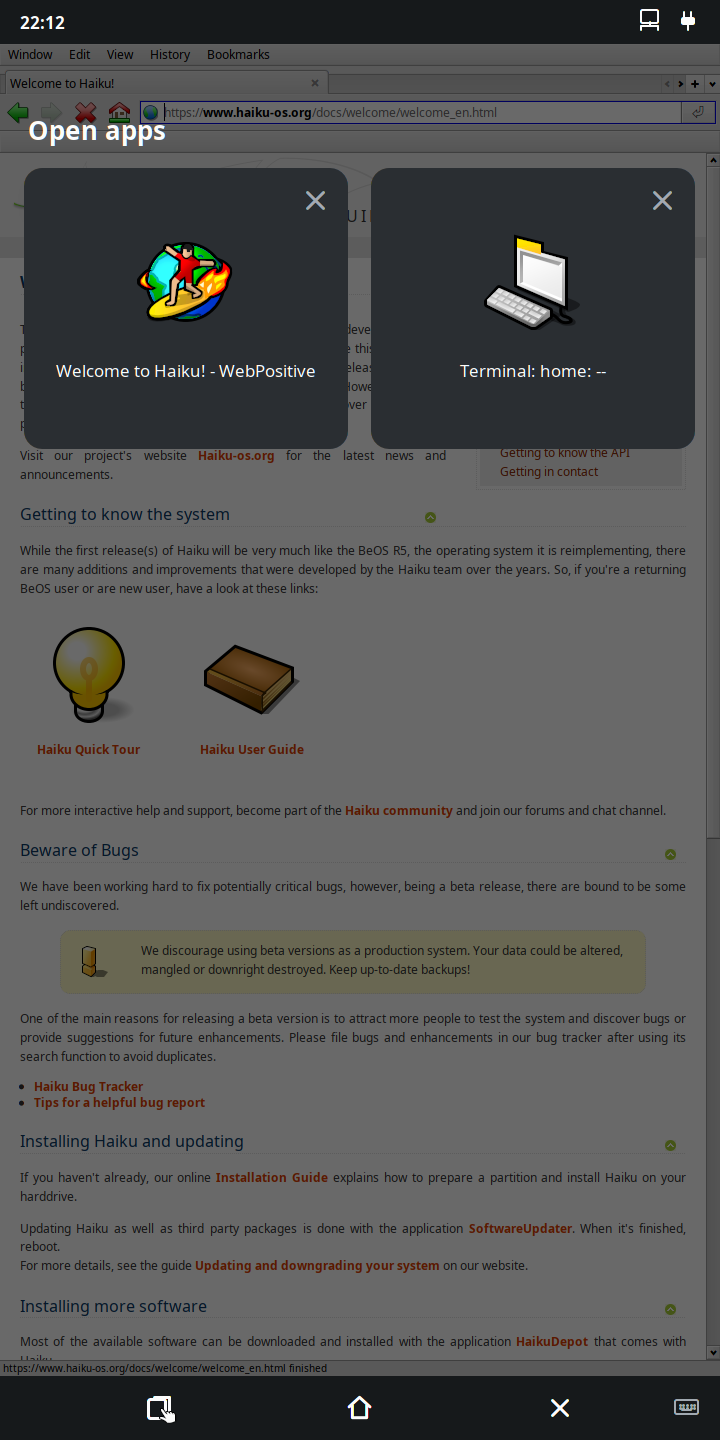
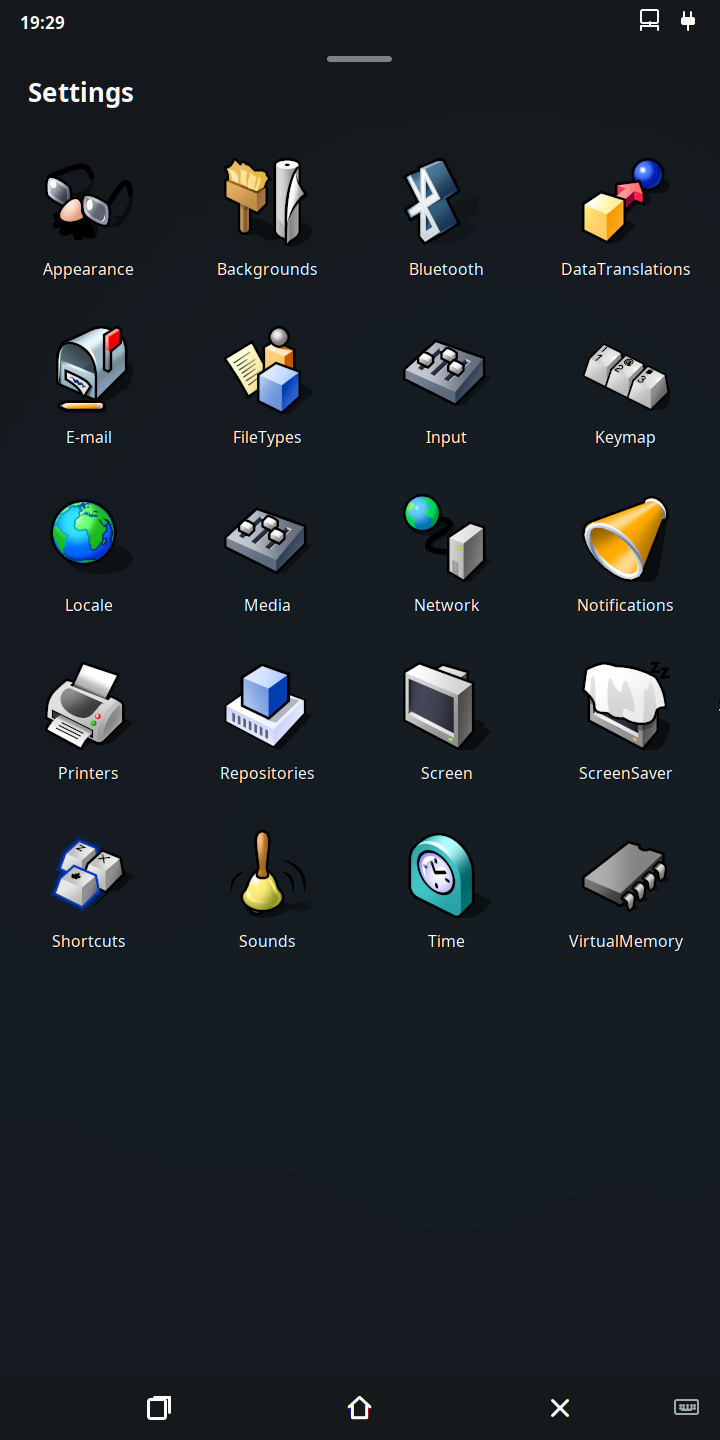
How it works
- One app,
MobileShell, takes the place of Tracker's desktop and the Deskbar. It's started by Renku's launch daemon and shipped as a regular.hpkg. - Renku's app_server has no window-manager hooks, so the shell lists windows through the same private API the Deskbar uses, and makes each one borderless and full-screen through its scripting suite.
- The on-screen keyboard never takes focus. It types through a small input_server add-on, so every app gets real key presses.
- QEMU's
virtio-vgareports 720×1440, and Renku's virtio GPU driver takes it. - The image is the Renku nightly with the package added, written on Linux with Renku's own
bfs_shell. No VM clicks needed.
Try it
Download the ISO from the latest release and boot a copy of it as a disk in QEMU:
cp RenkuMobile-0.2.0-x86_64.iso phone.img
qemu-system-x86_64 -enable-kvm -cpu host -smp 2 -m 2048 -rtc base=localtime \
	-drive file=phone.img,format=raw \
	-device virtio-vga,xres=720,yres=1440 -device qemu-xhci -device usb-tablet
Use the mouse as your finger. Booted as a CD or from a USB stick, choose Try it out in Renku's Welcome window first. Building it yourself is described in the README.